What's on your dashboard
Signing in lands you here. The Dashboard covers every event still in flight (Draft, Planning or Active, and not archived), with shortcuts at the top to start a New Event or jump to the Portfolio or My Work sections.
The stat tiles
Four tiles sit at the top. Everyone gets Events in flight, broken down by status. Owners and admins then see overdue tasks across the organization, budget used and revenue against goal. Members see their own overdue tasks, their open tasks, and what's due in the next 7 days.
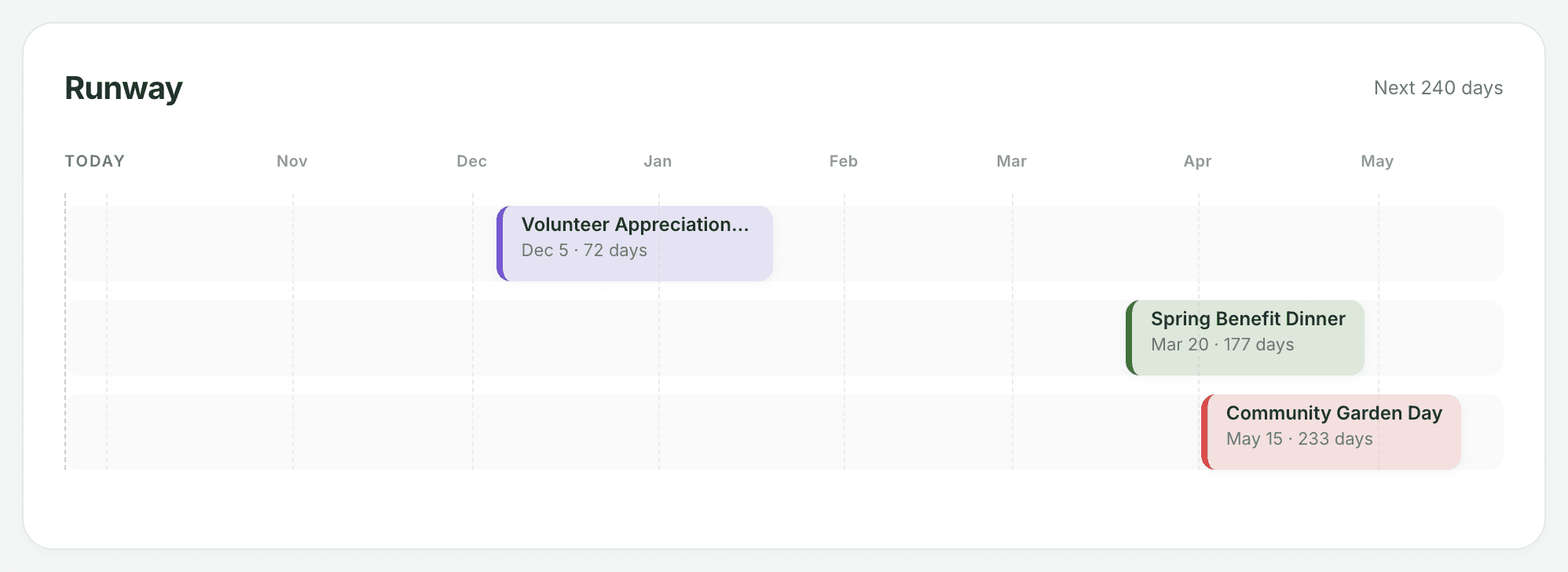
Runway
A timeline of the next 240 days, with today on the left and each dated event placed on its event day in its own color. It's the quickest way to see which events are bunching up.
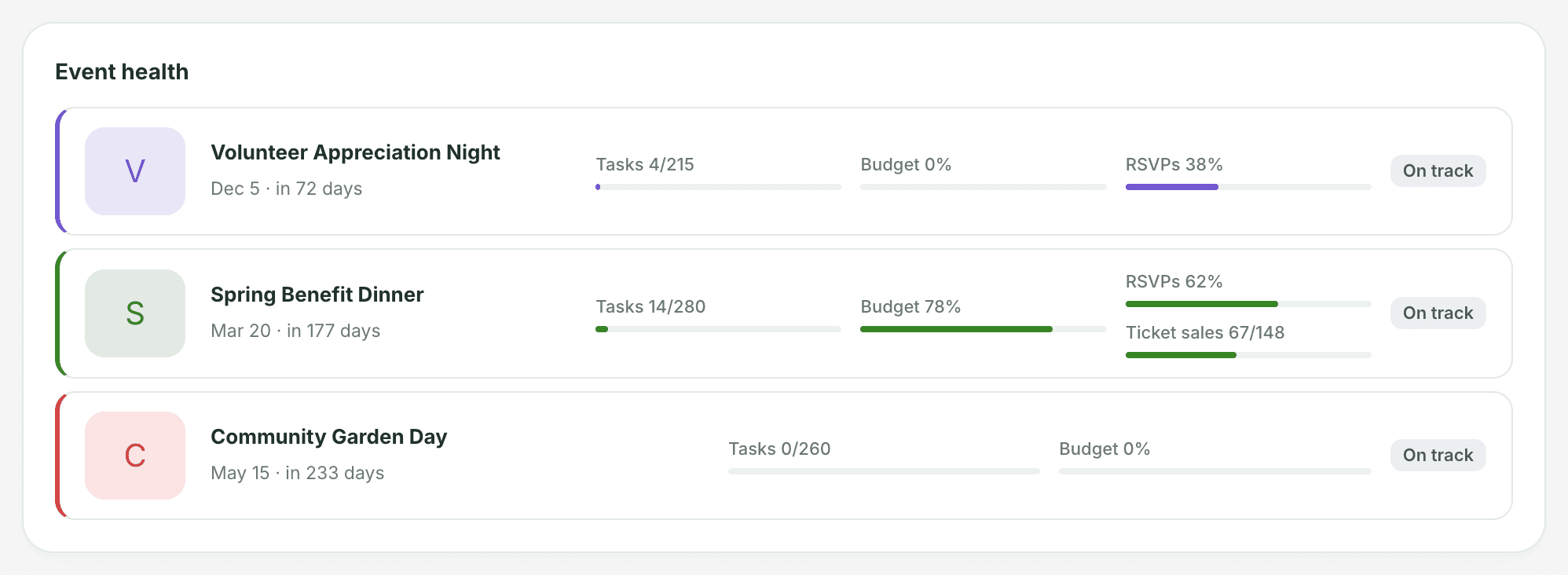
Event health
Up to six in-flight events, soonest first, each with a countdown and progress bars for tasks and budget. RSVPs and ticket sales get their own bars when they're turned on for that event. An empty bar means that measure isn't set up yet, for example no budget or no RSVP goal. A badge on the right reads "On track", or "N overdue" in red when tasks are late. Click a row to open the event, or View all events when there are more.
Task load by event
One bar per event, split by where its tasks stand: not started, open, completed, overdue and blocked. Expand an event to see the exact count in each state.
My work
Your own open tasks. Anything overdue shows first, in red, with how many days late, followed by anything due in the next 7 days. Tasks on completed, cancelled or archived events are left out.
The order depends on your role. Members see My work right under the stat tiles. Owners and admins see it lower down, beside Needs attention.
Needs attention
Owners and admins also get up to five fixable gaps across in-flight events, most urgent first:
- tasks without a skill-matched owner
- RSVPs behind pace with under 30 days to go
- supporter follow-ups that are due
- events with no tasks or no budget yet
- new @-mentions this week
Click a row to go straight to where you'd fix it. At the bottom of the Dashboard, Recent comments shows comments that @-mention you, or switch it to show all comments.