Comprehensive01
Fundraising Master Plan
For a comprehensive fundraiser, from campaign strategy through post-event follow-up.
A few tasks inside
- Review prior year debrief
- Set Target Audience
- Assign Event Lead
592
tasks to tailoracross 9 workstreams
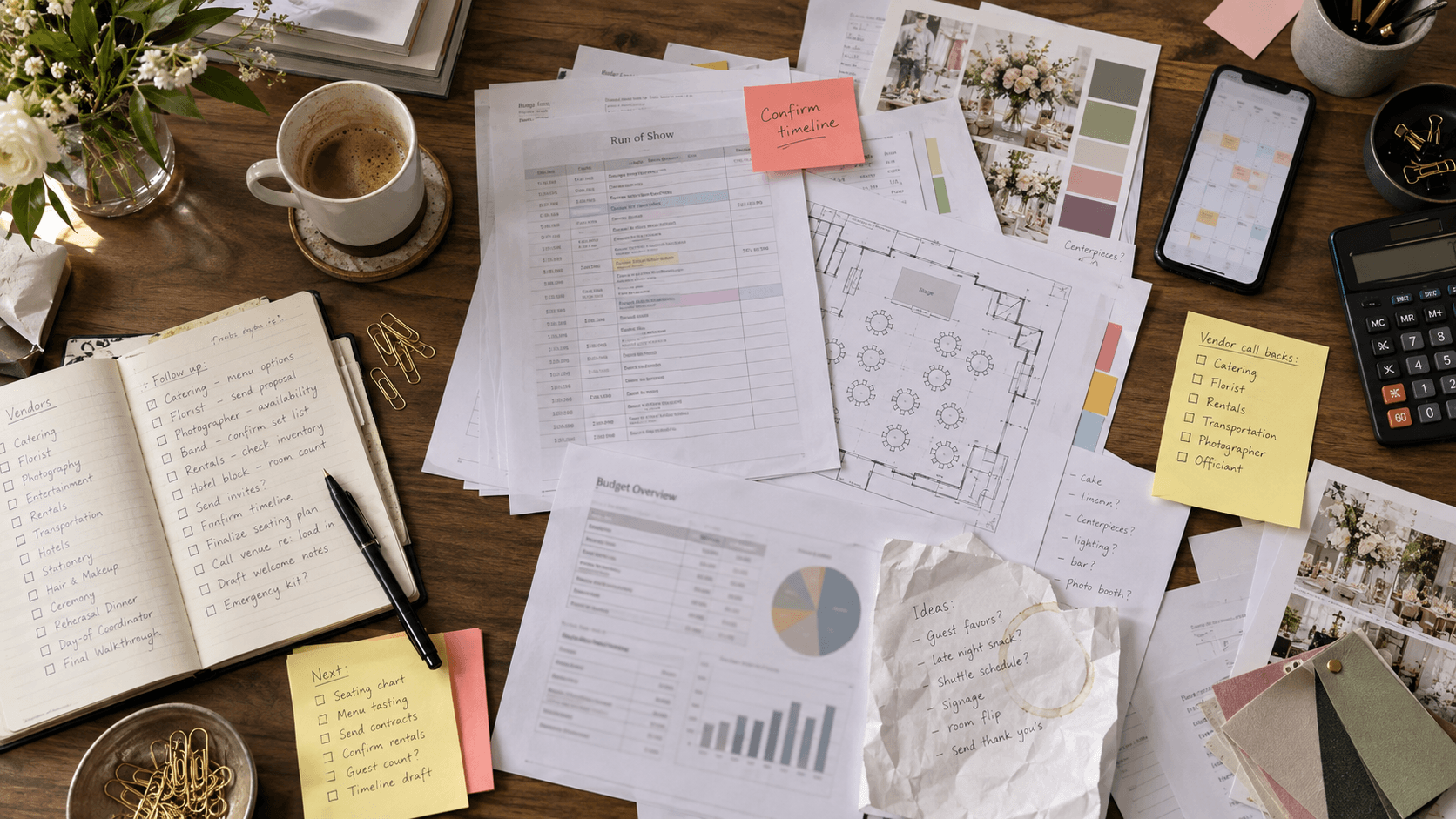 Scattered toolsOne shared plan
Event-planning software for event teams
Start with a ready-to-use playbook. Give every task a date and an owner, and bring your team, budget, and event details into one shared workspace.
Free during early access. Access by invitation.
The playbook library
Built from real event plans. Start with tasks and workstreams already mapped out, then adjust the schedule and details to make the plan your own.
For a comprehensive fundraiser, from campaign strategy through post-event follow-up.
A few tasks inside
For a ticketed gala with sponsors, guests, and a fundraising goal.
A few tasks inside
For a volunteer-led community event with local partners and a shared purpose.
A few tasks inside
How it works
From the first planning meeting to the day of the event, give everyone a clear place to see what comes next.
A starting point for your event
24 tasks · 5 workstreams
Your event date sets the schedule. You review the plan.
Choose a playbook and set your event date. Start with the tasks and workstreams already laid out, then tailor the details to your event.
A starting point for your event
24 tasks · 5 workstreams
Your event date sets the schedule. You review the plan.
Review the schedule, confirm responsibilities, and adjust the plan before creating the workspace. Your team starts with a shared understanding of what comes next.
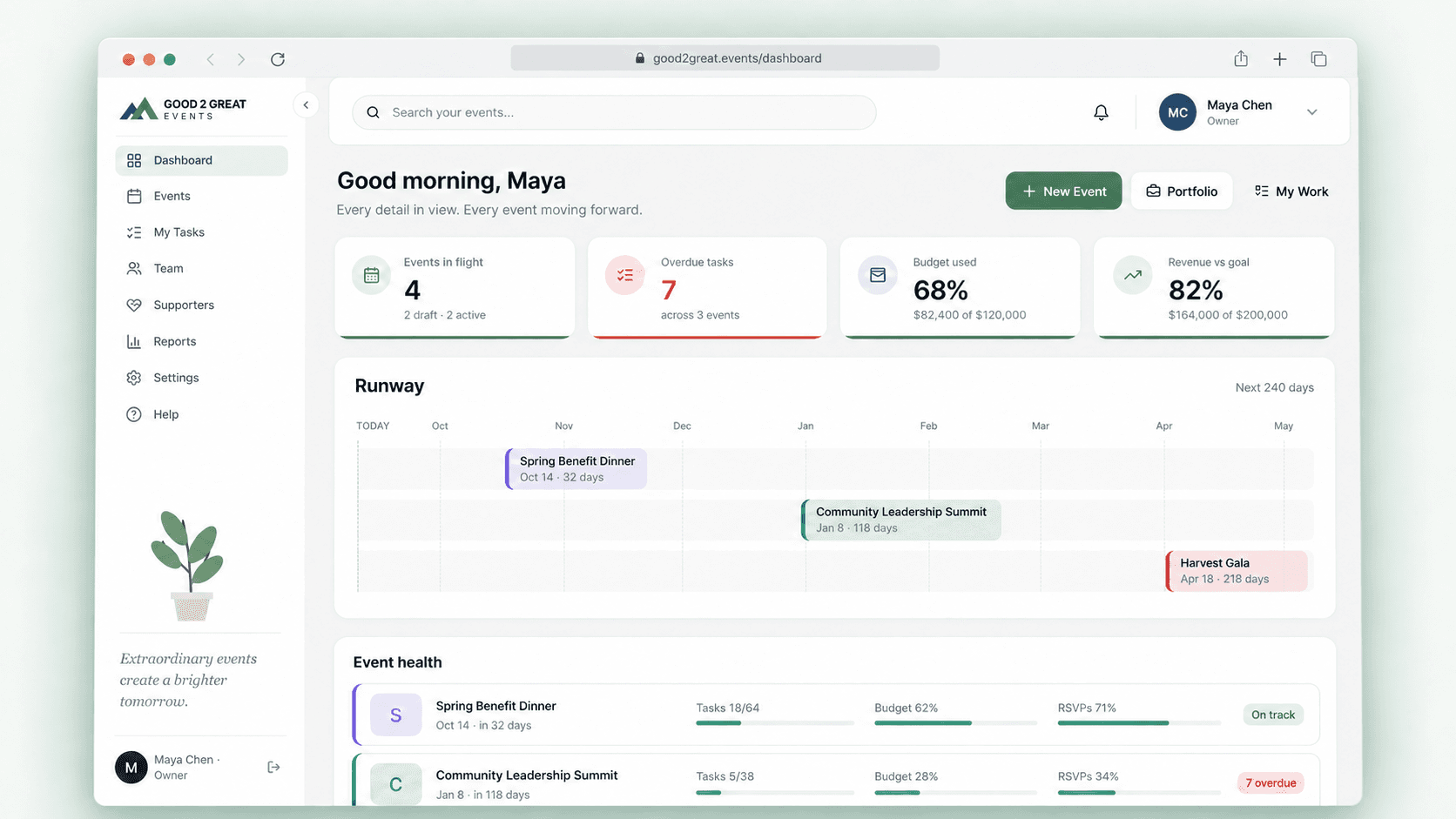
Follow progress across events, spot overdue work, and keep budgets and event details in view. Team members can check their tasks from a desktop or phone.
Track expenses, revenue, and sponsorships against your event goals, alongside the work that makes them possible.
Record RSVPs and ticket sales, and keep event files close to the plan. Spend less time piecing together the latest update.
Keep your playbooks and team responsibilities in one workspace, so each new event starts with a process your team can build on.
Your next event starts here
Early access
Use the planning workspace with your team and share what would make it more useful. Access is by invitation; paid plans are still being finalized.
Request early accessWe review each request. If invited, you'll receive an email with your account setup link.
Included during early access
We review requests individually as we welcome early teams. If your team is invited, we'll email an account setup link. Requesting access does not create an account immediately.
The workspace is free during this early-access period. Paid plans are still being finalized. Launch pricing has not been announced yet.
Not yet. Your team can record RSVPs, ticket sales, and sponsorships in the workspace. Public registration and payment processing are not currently included.