Update your confirmed headcount
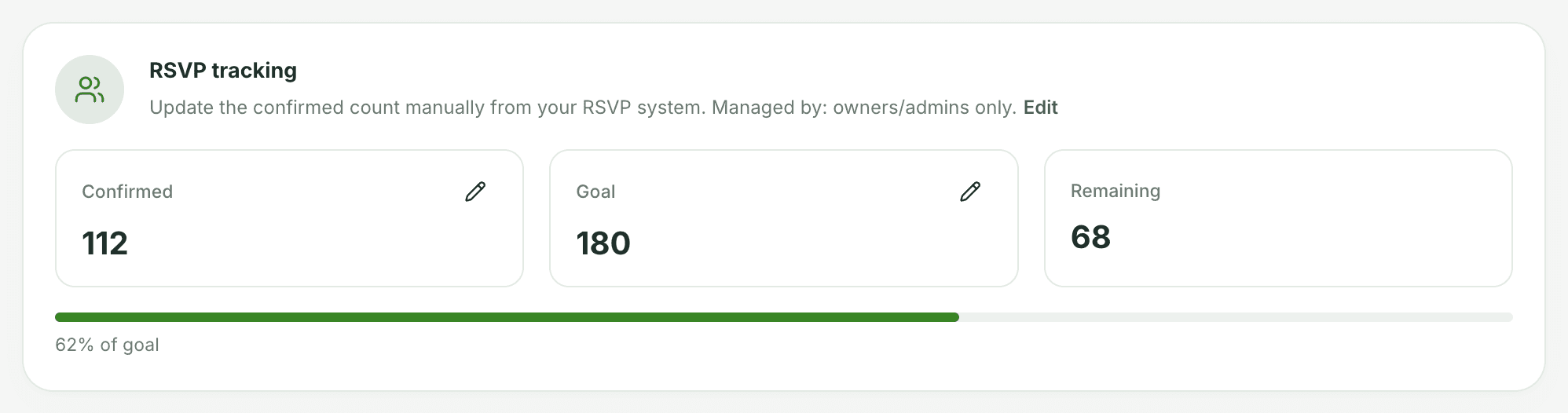
With RSVP tracking on, the RSVP tab holds two numbers: a goal, and how many guests are confirmed so far.
Setting the goal
Owners and admins click the pencil on the Goal card (or Set goal) and enter the number of guests you expect. The progress bar on the RSVP tab, and the RSVP bar in the Dashboard's Event health, measure the confirmed count against it. The tab also shows how many are still to come, or how far you're over.
Updating the count
Click the pencil on the Confirmed card and enter the current total as RSVPs come in. Owners and admins can always do this. So can anyone they've picked under RSVP managers, a good job for the person who handles the guest list.
When it flags as behind
Owners and admins get a heads-up. If an event's confirmed count is behind its goal with under 30 days to go, it appears in Needs attention on the Dashboard.