What members can't see
What a member can see depends on the event's status, not on whether they have tasks on it. Owners and admins see every event, whatever its status.
Events that aren't live yet
Members see events that are Active or Completed. Events in Draft, Planning or Cancelled are hidden from them. They don't appear on the Events page, the Dashboard, My Tasks or in search, and opening a direct link shows a not-found page. That holds even when the member already has tasks on the event, so plan in Draft and switch to Active when you're ready for the whole team.
The exception: events they created
A member always sees events they created, whatever the status. The restriction applies to events other people set up. A member who starts an event in Draft can keep working on it before anyone else sees it.
Admin-only screens and settings
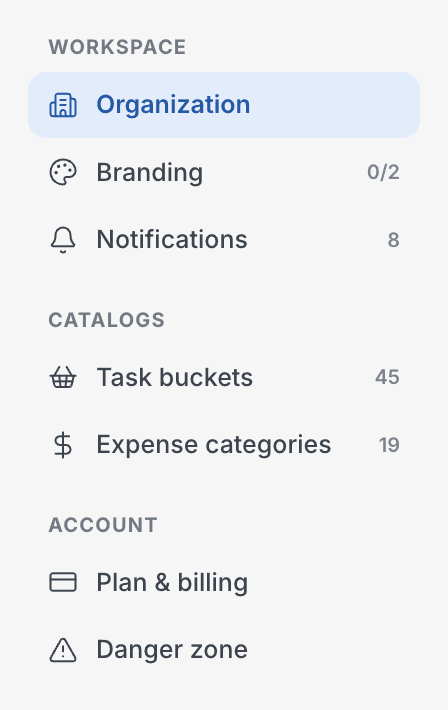
In Settings, members don't see Branding, Plan & billing or the Danger zone. They can read Organization, Task buckets and Expense categories but can't change them. Notifications is the one section they fully control, and only for their own alerts.
Members also don't get the Gantt view on the Events page, the Needs attention list on the Dashboard, an event's Settings tab, or the pending invitations on the Team page.
Where the rule doesn't apply yet
Reports and Supporters currently include every event. The Reports page and the Supporters directory don't filter by status yet, so a member can see names and totals there for events that are still in Draft or Planning. We're fixing this. Until then, don't rely on Draft to keep an event's numbers private.